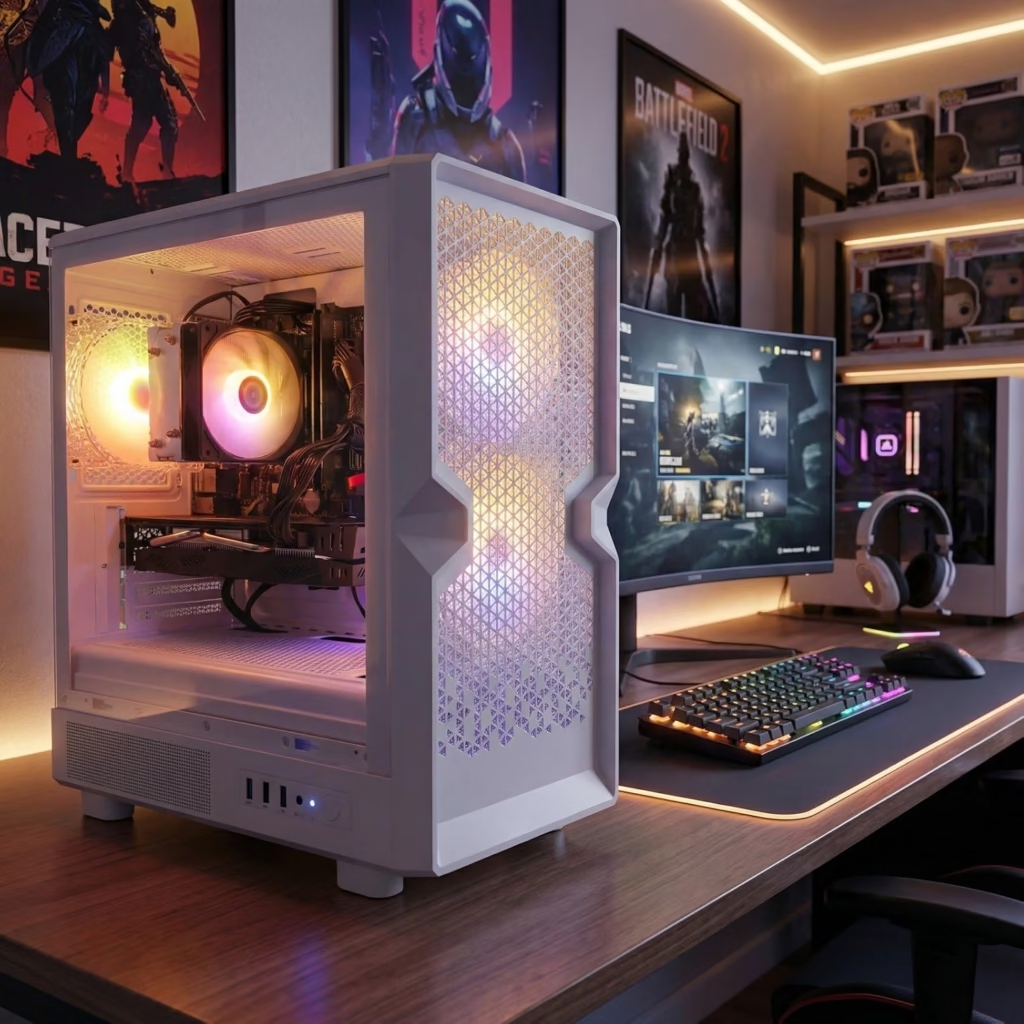
Learning how to build a gaming PC used to feel intimidating. In 2026, it genuinely isn’t — modern components are designed to be hard to install wrong, and choosing to build a gaming PC yourself still saves $150–$300 over an equivalent prebuilt system while giving you full control over what’s actually inside it.
This guide walks you through exactly how to build a gaming PC at three budget levels, with a full parts list for each, step-by-step assembly, and the mistakes that most often trip up first-time builders.
Not ready to build a gaming PC yourself? Check out our best prebuilt gaming desktops guide instead, or see what you actually need for cloud gaming if you’d rather skip hardware entirely.
Which Budget Tier Should You Choose to Build a Gaming PC?
| Tier | Price | Best for |
|---|---|---|
| Entry | ~$800 | 1080p gaming at high settings, esports titles at 100+ FPS |
| Mid-range | ~$1,000–$1,100 | 1080p Ultra and solid 1440p performance |
| High-end | ~$1,500+ | 1440p Ultra and light 4K with DLSS |
Entry Tier (~$800): Build a Gaming PC for Esports and 1080p
This build handles competitive titles like Valorant, CS2, and Apex Legends comfortably above 100 FPS, and runs demanding AAA games at 1080p High settings.
| Component | Recommendation | Approx. Price |
|---|---|---|
| CPU | AMD Ryzen 5 5600 or Ryzen 5 9600X | $130–$160 |
| GPU | NVIDIA RTX 4060 | $270–$300 |
| Motherboard | B550 (AM4) or B650 (AM5) mATX | $90–$140 |
| RAM | 16GB DDR4/DDR5 (2×8GB) | $50–$70 |
| Storage | 500GB–1TB NVMe SSD | $40–$70 |
| PSU | 550W 80+ Bronze | $50–$65 |
| Case | Budget mid-tower with good airflow | $40–$55 |
To find entry tier gaming PC click here
Why this combination: the GPU is where your money should go first when you build a gaming PC on a budget — a 6-core CPU like the 5600 won’t bottleneck an RTX 4060, so there’s no reason to spend more on the processor here. Don’t be tempted to save money on the PSU or case; a failing power supply can take out everything else in the system with it.
Mid-Range Tier (~$1,000–$1,100): Best All-Around Build a Gaming PC Option
This is the tier most experienced builders point to as the sweet spot in 2026 — strong 1080p Ultra performance with headroom for 1440p.
| Component | Recommendation | Approx. Price |
|---|---|---|
| CPU | AMD Ryzen 5 7600 or Ryzen 5 9600X | $180–$220 |
| GPU | RTX 4060 Ti or RX 7600 XT | $380–$430 |
| Motherboard | B650 (AM5) | $120–$150 |
| RAM | 32GB DDR5 (2×16GB) | $90–$120 |
| Storage | 1TB NVMe SSD | $60–$80 |
| PSU | 650W 80+ Bronze/Gold | $70–$90 |
| Case | Mid-tower, good airflow | $50–$70 |
To find mid range gaming PC click here
Why this combination: the AM5 platform gives you an upgrade path — you can drop in a faster CPU later without replacing the motherboard, which matters if you plan to keep this build for 4+ years. 32GB of RAM is worth the small premium over 16GB at this tier since it’s cheap insurance against the RAM requirements of newer games.
High-End Tier (~$1,500+): Build a Gaming PC for 1440p and Light 4K
This tier is for readers who want a high-refresh 1440p monitor pushed properly, or who want to dip into 4K with DLSS upscaling.
| Component | Recommendation | Approx. Price |
|---|---|---|
| CPU | AMD Ryzen 7 7800X3D or Ryzen 7 9700X | $330–$400 |
| GPU | RTX 5070 | $550–$600 |
| Motherboard | B650/X670 (AM5) | $150–$200 |
| RAM | 32GB DDR5 (2×16GB) | $90–$120 |
| Storage | 1TB–2TB NVMe SSD | $80–$140 |
| PSU | 750W 80+ Gold | $90–$120 |
| Case | Mid-tower with strong airflow | $60–$90 |
For high end gaming PC click here
Why this combination: the RTX 5070 handles 1440p Ultra without breaking a sweat and does 4K at 60+ FPS with DLSS Quality mode enabled. The 7800X3D remains one of the strongest gaming CPUs available and won’t bottleneck this card.
Step-by-Step: How to Build a Gaming PC
- Prep your workspace. A clean, static-free surface (anti-static mat or wristband recommended). Have your motherboard manual open.
- Install the CPU into the motherboard before it goes in the case — much easier to see what you’re doing. Modern sockets are keyed so the CPU only fits one way.
- Install RAM into the correct slots (check your motherboard manual for dual-channel slot pairing).
- Mount the CPU cooler according to its instructions — this varies more than other steps depending on cooler brand.
- Install the motherboard into the case, aligning it with the standoffs.
- Install the power supply, then run cables before adding more components — much easier with the case empty.
- Install storage (NVMe drives slot directly onto the motherboard; 2.5″/3.5″ drives mount in case bays).
- Install the GPU into the top PCIe slot and secure it.
- Connect all cables: 24-pin motherboard power, CPU power (4/8-pin), GPU power, front panel connectors, case fans.
- Cable-manage what you can — doesn’t need to be perfect, but tidy cabling improves airflow.
- First boot and stress test. Boot into BIOS to confirm all parts are recognized. Run a GPU stress test (FurMark) and CPU stress test (Cinebench) — GPU should stay under 85°C and CPU under 80°C under load. If both pass, you’ve successfully built your gaming PC and are ready to install your OS.
Common Mistakes When You Build a Gaming PC
- Skimping on the PSU to save $20–$30. A cheap, unreliable power supply is the single most common cause of dead builds and can damage other components if it fails.
- Buying a 4-core CPU to save money. Even in a budget build, aim for at least 6 cores — 4-core chips increasingly struggle to hold minimum frame rates in newer titles.
- Overspending on the motherboard or case. Beyond basic reliability and airflow, extra spend here doesn’t translate into gaming performance — that money is better spent on the GPU.
- Forgetting to check RAM speed compatibility with your motherboard/CPU combo before buying — mismatched RAM can run well below its rated speed.
- Not checking case airflow. A great CPU and GPU still throttle under load if the case doesn’t move enough air.
Frequently Asked Questions About Building a Gaming PC
Is it cheaper to build a gaming PC than to buy one? Generally yes — choosing to build a gaming PC yourself typically saves $150–$300 over an equivalent prebuilt system, though the gap can narrow during GPU price spikes.
How long does it take to build a gaming PC for the first time? Budget 2–4 hours for your first build. It’s not difficult, just methodical — most of the time goes to careful cable routing and double-checking connections.
Do I need to buy a Windows license separately? Yes, unless you’re reusing an existing license — factor in roughly $100–$140 for Windows 11 Home if you don’t have one already.
What if a specific GPU I want is overpriced or out of stock? Swap to a comparable card in the same performance tier rather than overpaying or downgrading tiers — GPU pricing and availability can shift throughout the year.